

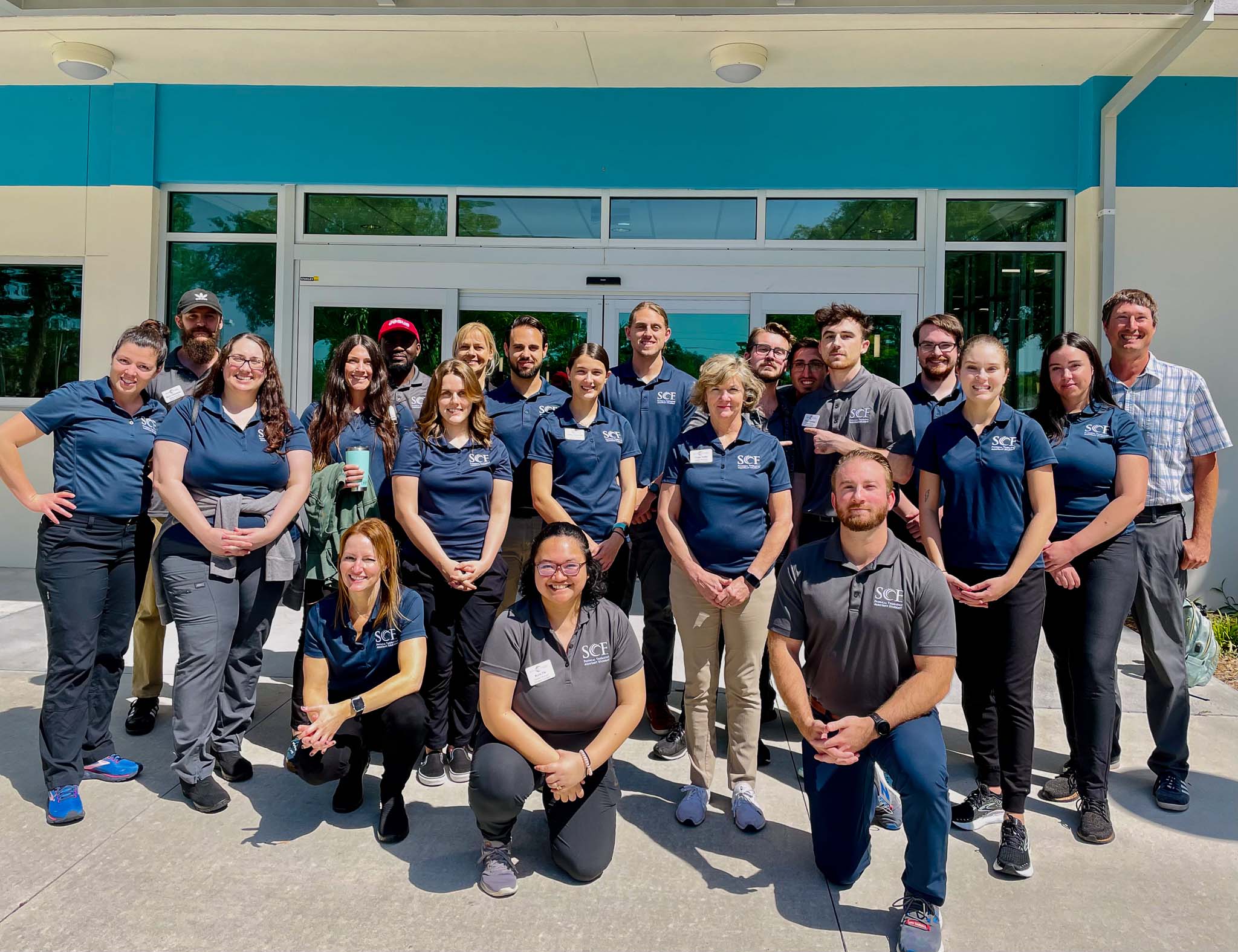
Nursing and Health Professions

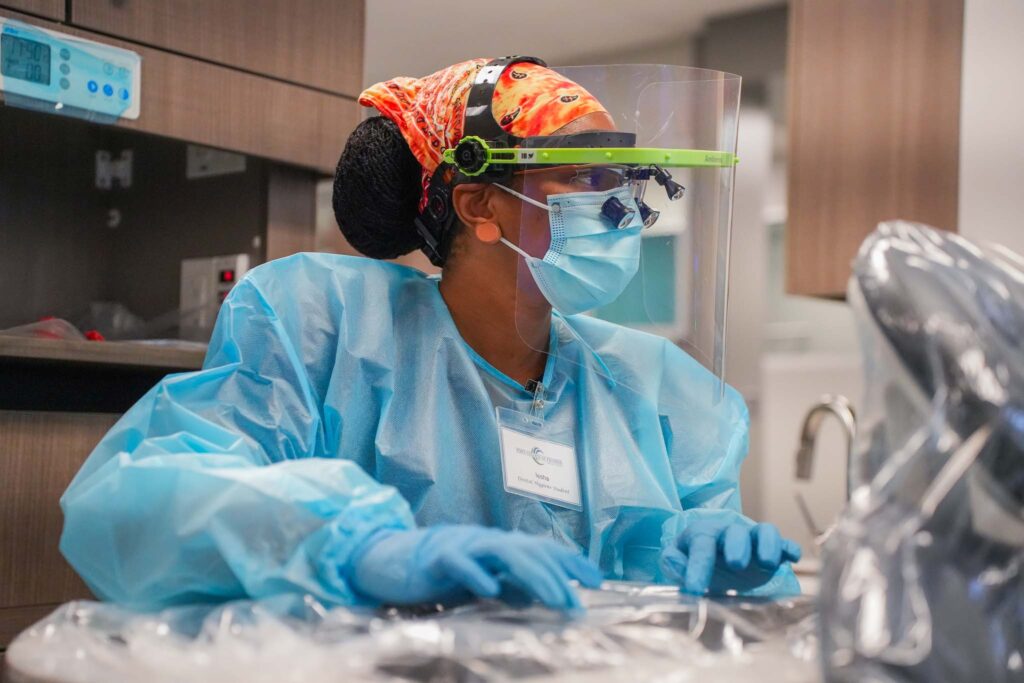
The SCF Dental Hygiene Clinic Provides Dental Care
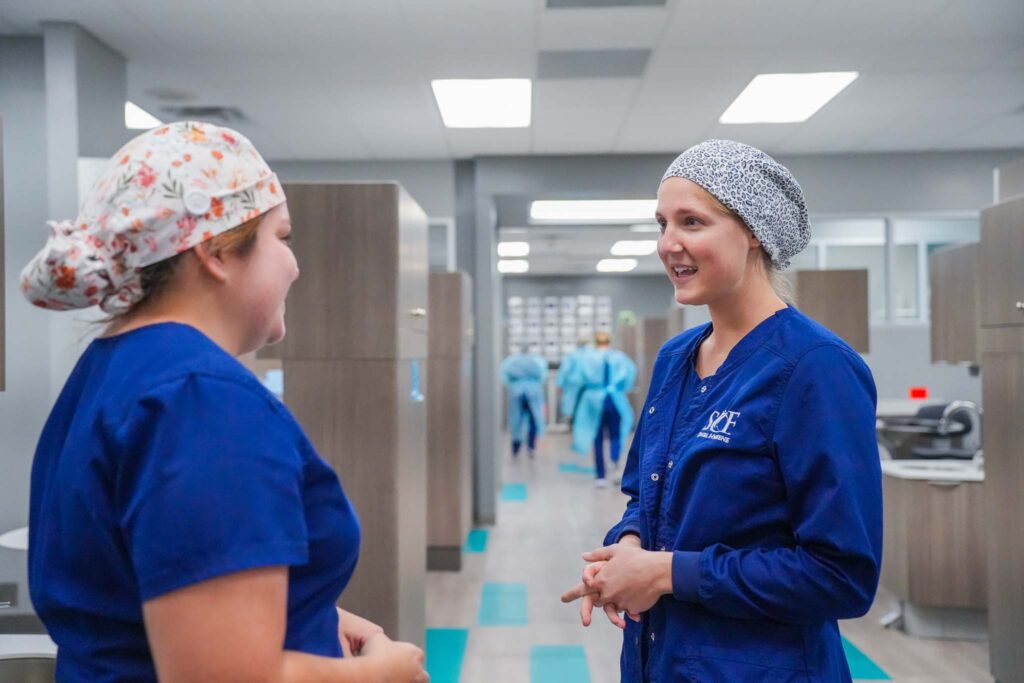
The students and faculty at State College of Florida, Manatee-Sarasota are prepared to provide you with oral hygiene treatment of the highest quality. The Dental Hygiene Clinic is equipped with 16 industry current dental units for patient comfort and quality care.
Learn MoreNursing and Health Professions
The healthcare field is dynamic and exciting, and advancements in technology to improve care delivery and access to health care are on the rise. In the Division of Nursing and Health Professions, we are here to empower you in finding the healthcare career that is the best fit for you and your long-term goals.
Areas of Study
Dental Hygiene
Associate’s Degree
Prepares graduates to become licensed dental hygienists. Graduates will be prepared to take the National Board of Dental Hygiene Examination and Florida state licensing examination, both of which are required for licensure in the state of Florida.
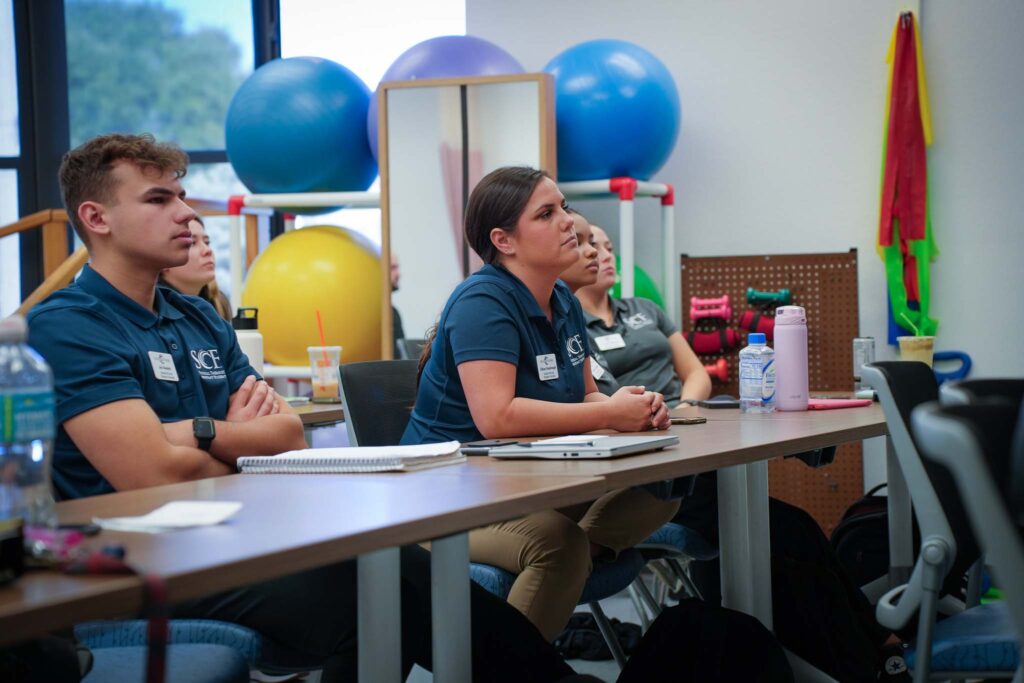
Health Services
Certificates, Associate’s, Bachelor’s Degrees
Learn about health care technology, medical law concepts, marketing and health care management – all the valuable tools that will prepare you for employment in the administrative side of health care. Credits in the certificate and associate’s degrees count toward the Health Services Administration four-year degree.
Nursing
Associate’s & Bachelor’s Degrees
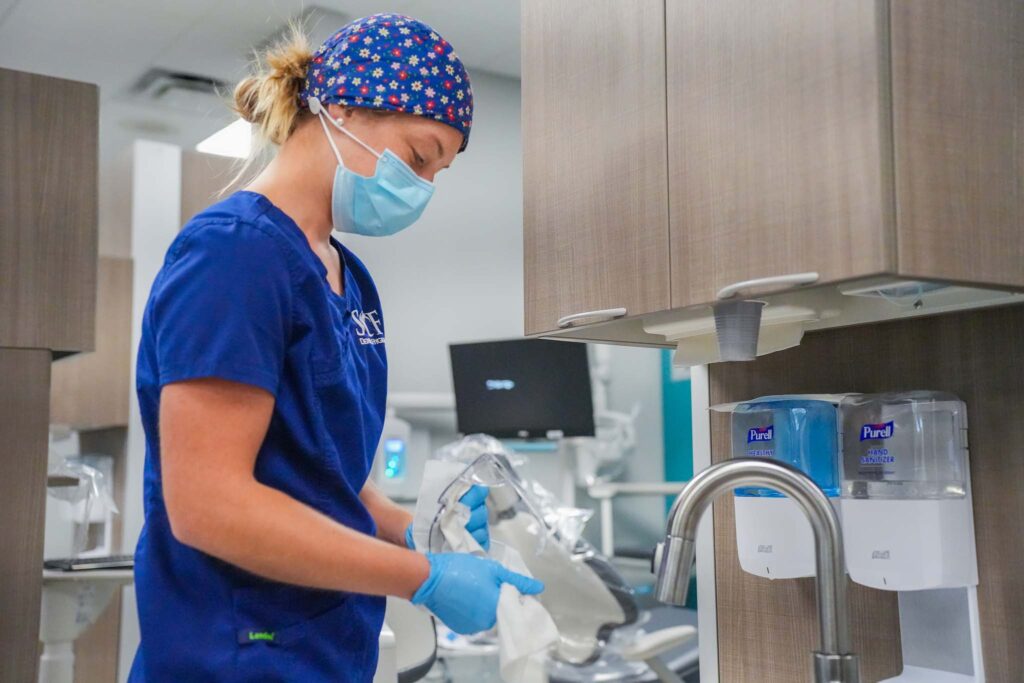
SCF offers an advanced, innovative and comprehensive program to educate students to be leaders in the field of nursing. The ASN transition program is available for current LPNs while the ASN basic program helps new students to become nurses. Additionally we offer an RN to BSN program to advance your nursing career!
Occupational Therapy Assistant
Associate’s Degree
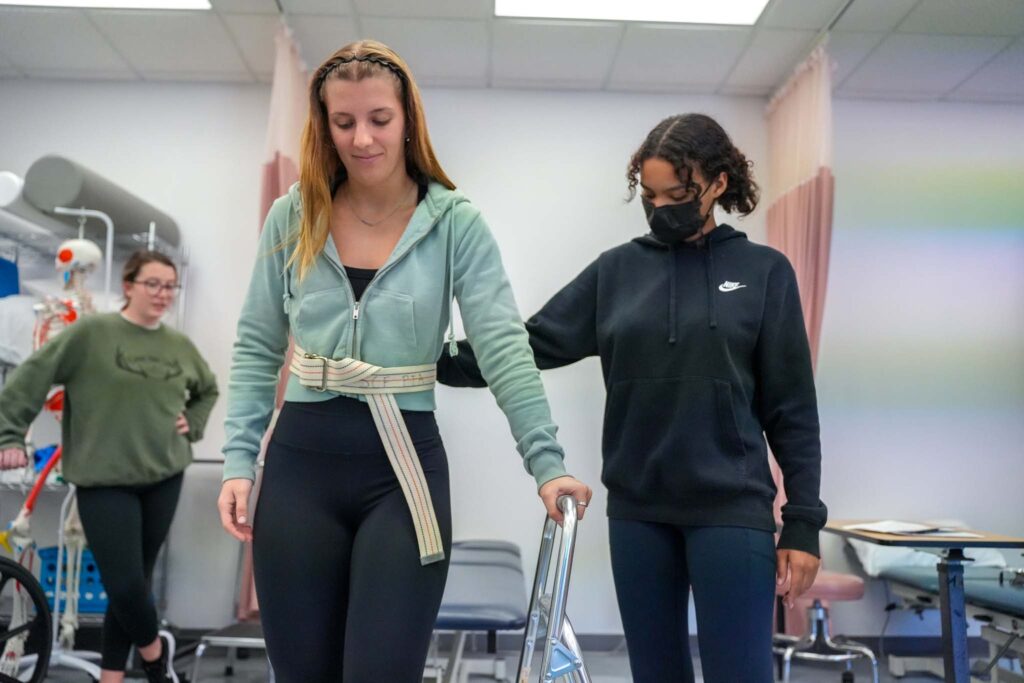
Occupational therapy assistants use functional activities as treatment to assist individuals live as independently as possible. OTA graduates are eligible for the national certification examination of the occupational therapy assistant administered by the National Board for Certification in Occupational Therapy (NBCOT).
Physical Therapist Assistant
Associate’s Degree
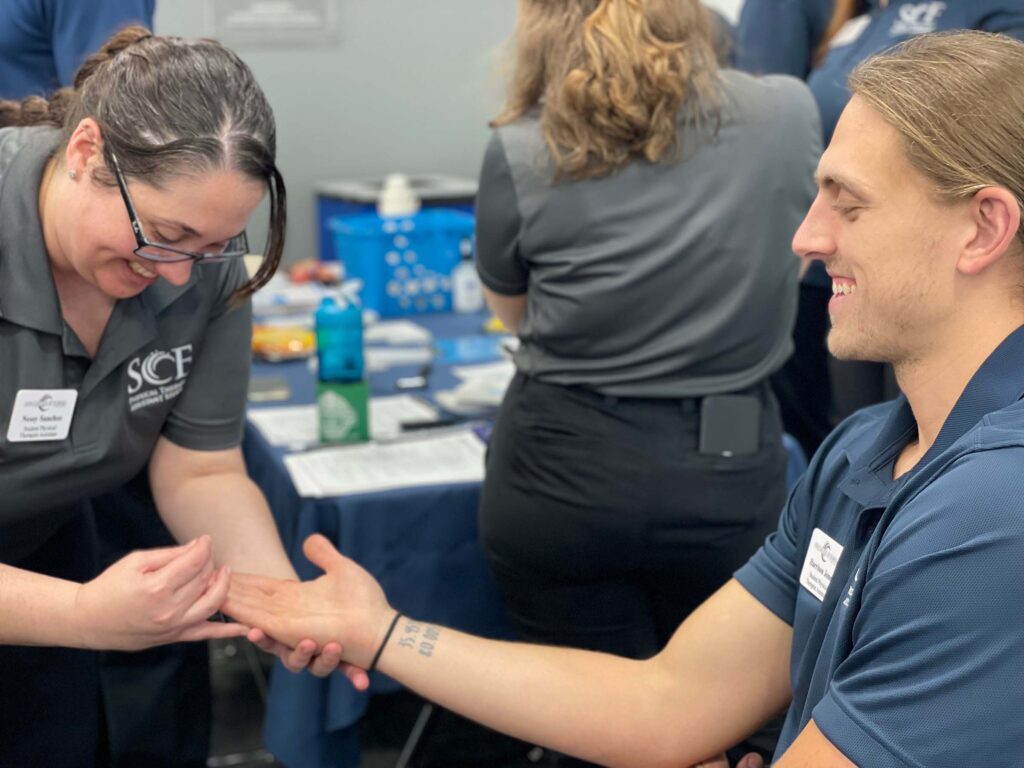
Physical therapist assistants (PTAs) are skilled health care providers working under the supervision of a physical therapist. PTAs assist physical therapists in implementing and performing treatment programs. They work closely with patients to teach functional activities and improve physical well being and to communicating the patient’s responses to the physical therapist.
Radiography
Associate’s Degree
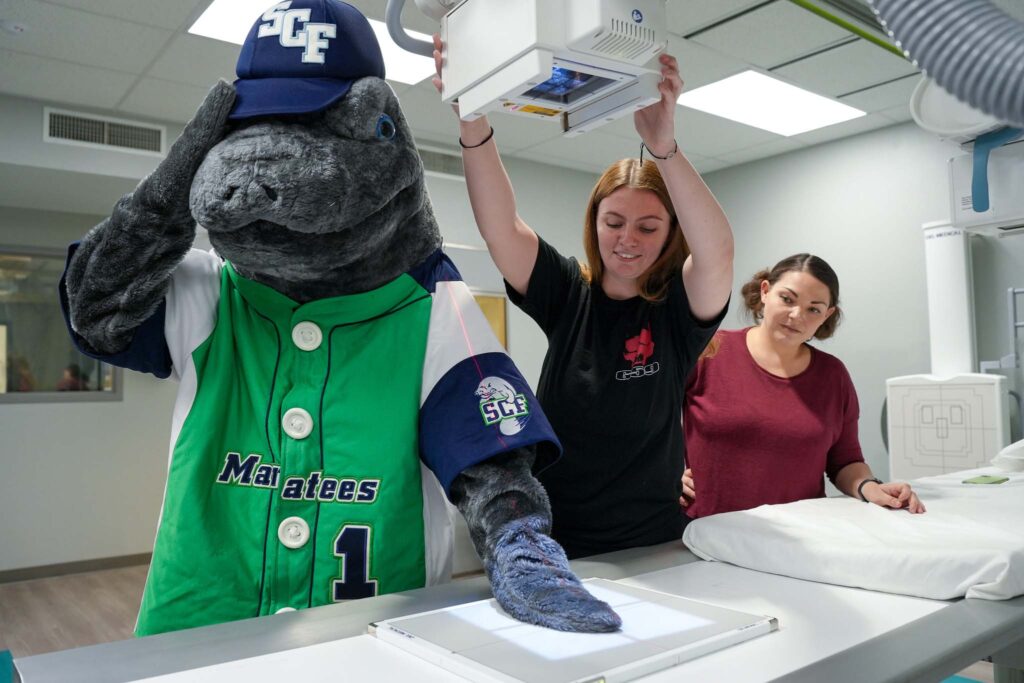
Become a registered radiographer! The Radiography program combines didactic and clinical education to prepare for a career as a radiographer. Graduates of the program are eligible to take the American Registry of Radiologic Technologists (ARRT) National Examination.
We also offer a program for ARRT-registered radiologists to earn their AS degree.
Respiratory Care Program
Associate’s Degree
State College of Florida and Saint Petersburg College has formed an ongoing partnership in regard to a Respiratory Care program. Respiratory therapists are licensed healthcare providers who have specific training in caring for patients with respiratory disease, including managing life support equipment. RRTs work in a variety of settings, including acute and long term care facilities, outpatient clinics, sleep labs, diagnostic centers, and home care. The training program to become a licensed RRT is two years, and the salary range is comparable to registered nurses and radiology techs.
Because of the current shortage of respiratory therapists, State College of Florida has partnered with St. Petersburg College (SPC) to offer this collaborative training program for RRTs. St. Petersburg College offers a well established RRT training program in Florida. SPC has state of the art training labs and equipment, and has success rates of 20-30% higher than the national average on the certification examination.
In this collaborative program students may take their general education courses at any SCF campus. If enrollment in this program is sufficient, students will complete their clinical training at hospitals in the Manatee and Sarasota areas. Respiratory Care classes will be one or two days a week at St Petersburg College’s Health Education Center in St. Petersburg. Some of the respiratory classes are offered online. This program is designed to meet the needs of working adults of all ages.
The Respiratory Care Program is dedicated to the philosophy and goals of the college. The Respiratory Care Program is designed to offer the student planned learning experiences and to provide knowledge, skills, and promote attitudes that will culminate in successful employment of the graduate as a respiratory therapist.