

Everyone's College
At SCF, we meet you where you are. We’re everyone’s college.
Take a quick video tour!
SCF IN 30SECSTake a quick video tour!
SCF IN 30SECS
Explore the steps to become a student by selecting the student type that best describes you. Not sure? We can help

From associate and bachelor’s degrees, workforce certificates, non-credit classes or professional development, you’ll find your path here.
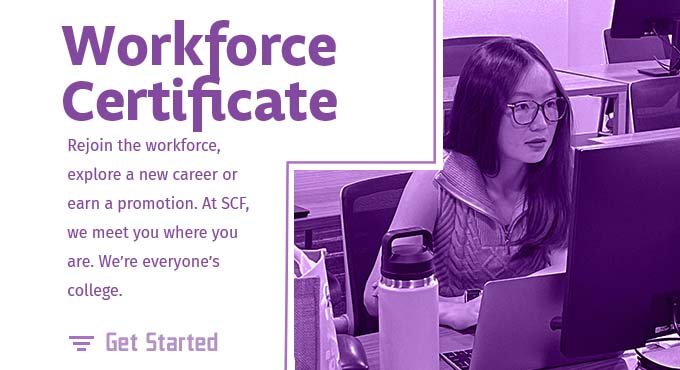
Work towards a for-credit certificate applies to the corresponding A.S. degree. SCF’s Associate in Science Degree and Certificate Programs provide practical training and critical thinking skills to help you succeed today and advance tomorrow.
Whether you’re seeking to earn a career-ready degree or make a smooth transition to a university, State College of Florida has the full college experience at exceptional savings. SCF also offers online classes, more than 30 workforce certificates and an array of signature programs such as accelerated dual enrollment, SCF Honors and Gator Engineering.
Get Started